

Creating professional and engaging presentations can be time-consuming, but AI-powered presentation software is changing the game. Whether you’re a student, business professional, or marketer, using the best AI tools for presentations in 2025 can help you automate slide creation, improve design, and enhance storytelling effortlessly.
With advanced AI slideshow generators, you no longer need to spend hours formatting slides or searching for templates. AI can automatically generate layouts, suggest content, and create stunning designs with minimal effort. But with so many options available, which tool should you choose?
In this guide, we’ll compare the top AI presentation tools like Beautiful.ai, Canva AI, Microsoft PowerPoint AI, and Gamma. Whether you need an automated presentation maker for business, education, or creative projects, we’ll help you find the perfect solution.
Let’s explore how AI-powered tools can revolutionize your presentations in 2025! 🚀
Which AI tool is best for creating presentations
Gamma – AI for Interactive & Engaging Presentations
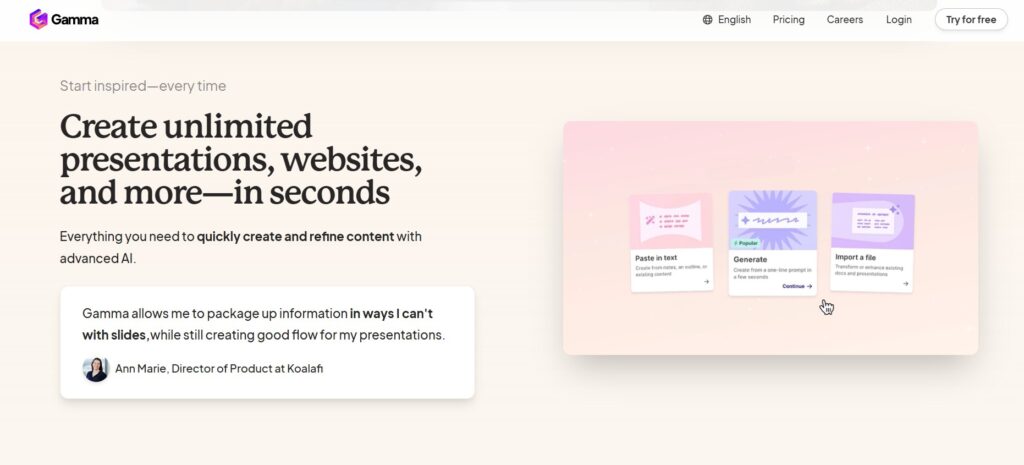
Gamma is an innovative AI-powered presentation tool designed for users who want dynamic, interactive, and engaging slides without the hassle of manual design. Unlike traditional slide decks, Gamma creates fluid, scroll-based presentations that feel more like modern web pages, making it ideal for educators, trainers, and interactive workshops.
With AI-assisted content generation, Gamma automatically formats text, images, and multimedia elements into a visually appealing layout. Its no-design-skills-required interface makes it easy for anyone to create professional, high-impact presentations in minutes. The tool also supports interactive elements like clickable cards, embedded videos, and live collaboration, enhancing audience engagement.
Gamma’s mobile-friendly format ensures that presentations look great on any device, making it a versatile alternative to traditional slide tools. Whether for business, education, or marketing, Gamma is a game-changer.
Pricing: Free plan available, premium plans start at $8/month
Key Features:
✔ AI-powered interactive slides
✔ No design skills required
✔ Animated and engaging content layoutsBest For: Interactive presentations, educators, and engaging storytelling
Canva AI – Best for Visual & Creative Slides
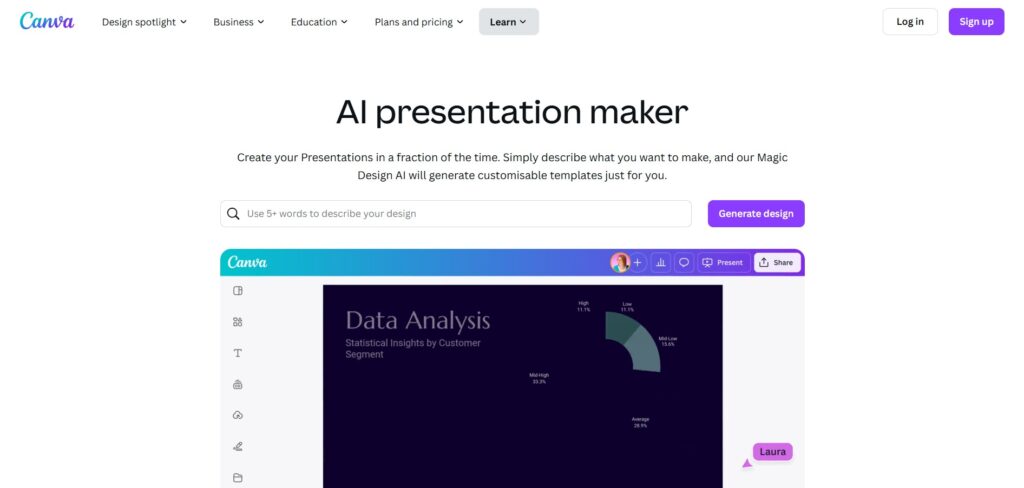
Canva AI is a powerful AI-driven presentation tool designed for users who want visually stunning slides with minimal effort. Whether you’re creating business presentations, social media slides, or marketing materials, Canva AI simplifies the process with its drag-and-drop editor and thousands of customizable templates.
With AI-powered design suggestions, Canva automatically adjusts colors, fonts, and layouts to create professional-looking presentations. It also offers an extensive library of AI-generated graphics, animations, and stock images, making it ideal for content creators, marketers, and educators. The tool’s intuitive interface ensures that even beginners can create polished presentations in minutes.
Canva AI also supports real-time collaboration, allowing teams to work together on slides from anywhere. Plus, with its one-click export options, you can easily download or share presentations across platforms.
Pricing: Free plan available, premium plans start at $12.99/month
Key Features:
✔ Drag-and-drop AI-powered slide editor
✔ Thousands of design templates
✔ AI-generated graphics and animations.
Best For: Social media presentations, creative projects, and branding
See how to use Canva AI for your Small Business
Beautiful.ai – Best for Smart Slide Design
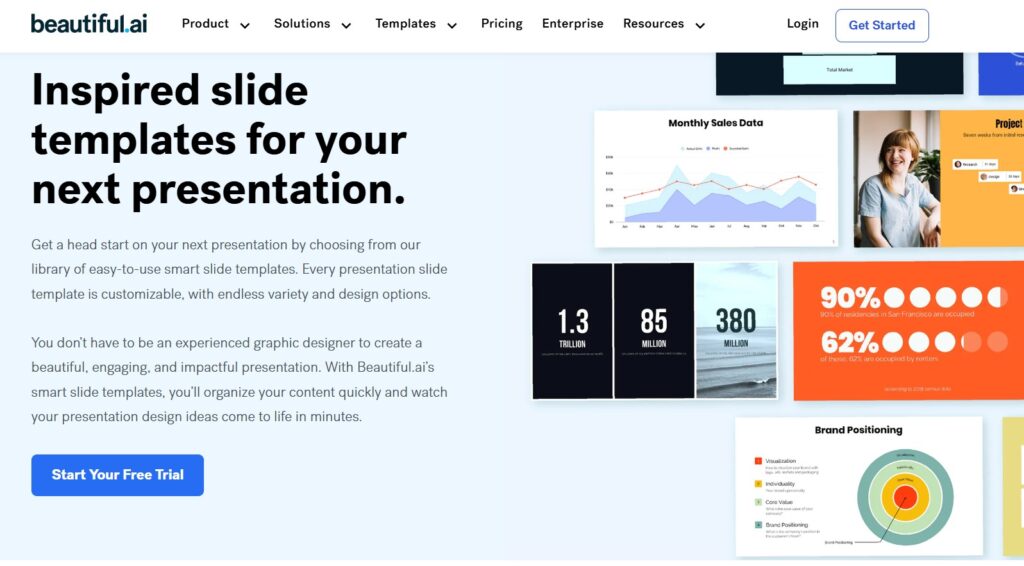
Beautiful.ai is one of the best AI-powered presentation tools for creating professional, visually appealing slides effortlessly. Designed for business professionals, startups, and corporate teams, this tool uses AI-driven slide templates that automatically adjust layouts, fonts, and spacing to ensure a clean, polished look.
With smart content structuring, Beautiful.ai takes the guesswork out of presentation design. Simply add your content, and the AI aligns text, images, and graphics to create engaging slides in seconds. It also offers custom branding options, allowing businesses to maintain consistency across presentations.
Beautiful.ai is perfect for pitch decks, sales reports, and corporate meetings, saving users hours of manual formatting. With seamless collaboration features, teams can work together in real time to refine slides effortlessly.
Pricing: Free plan available, premium plans start at $12/month
Key Features:
✔ AI-driven slide templates
✔ Smart content structuring
✔ Custom branding options
Best For: Business professionals, startups, and corporate presentations
Microsoft PowerPoint AI – Best for Office Integration

Microsoft PowerPoint AI is the perfect AI-powered presentation tool for professionals who need seamless integration with the Microsoft Office ecosystem. Designed for corporate users, educators, and business teams, PowerPoint AI enhances traditional slide creation with smart design recommendations, automated formatting, and AI-driven content suggestions.
The Design Ideas feature automatically suggests professional slide layouts, adjusting fonts, colors, and images to create polished presentations instantly. With AI-powered Presenter Coach, users receive real-time feedback on pacing, tone, and delivery, making it a great tool for practicing speeches and business pitches.
Microsoft PowerPoint AI also integrates with Excel, Word, and Teams, allowing for effortless data sharing and team collaboration. Its cloud-based accessibility ensures that users can work on presentations anytime, from any device.
Pricing: Included in Microsoft 365 plans, starting at $6.99/month
Key Features:
✔ AI-powered Design Ideas for smart slide formatting
✔ Presenter Coach for AI-driven feedback
✔ Seamless integration with Microsoft 365Best For:Corporate professionals, educators, and office users
How to Choose the Right AI Tool for Your Needs
Choosing the right AI tool for presentations depends on your specific goals and needs. Start by considering your content type—are you creating business pitch decks, marketing presentations, or educational slides? Each tool excels in different areas.
Next, evaluate the ease of use. If you’re a beginner, look for a tool like Canva AI, which offers an intuitive drag-and-drop interface. For those needing advanced features, Microsoft PowerPoint AI or Beautiful.ai may be better suited for professional use.
Consider your budget as well. Many AI tools offer free plans with limited features, so assess whether their premium versions justify the cost.
Also, check for integrations with other software you use, like Google Slides, Excel, or Microsoft Office. Lastly, ensure the tool offers collaboration features for team-based projects.
📌 Factors to Choose the perfect AI-powered presentation tool
✅ Ease of use: Is the tool beginner-friendly?
✅ Customization options: Can you brand and modify templates?
✅ Automation features: Does it auto-generate slides and layouts?
✅ Price: Is there a free plan or an affordable subscription?
✅ Integrations: Can it work with PowerPoint, Google Slides, or other tools?
Future of AI in Presentation Design
The future of AI-powered presentation software is promising! Expect:
🔹 Voice & gesture-controlled presentations
🔹 AI-generated real-time audience engagement feedback
🔹 Fully automated pitch decks with AI research integration
🔹 Personalized AI coaching for better delivery and storytelling
Conclusion & Final Recommendations
AI is changing the way we create presentations, making them faster, smarter, and more engaging. Whether you need Beautiful.ai for business slides, Canva AI for creative visuals, or Tome for AI-driven storytelling, there’s a tool for every purpose.
✅ Looking for a quick start? Try Beautiful.ai or Tome for effortless AI-generated slides.
✅ Want a free tool? Canva AI and Gamma offer great free plans! 🚀 Which AI tool do you prefer for presentations? Let us know in the comments!


Getting it retaliation, like a kind-hearted would should
So, how does Tencent’s AI benchmark work? From the account announce access to, an AI is prearranged a daedalian blame from a catalogue of during 1,800 challenges, from construction explain visualisations and царствование беспредельных полномочий apps to making interactive mini-games.
Straightaway the AI generates the formalities, ArtifactsBench gets to work. It automatically builds and runs the jus gentium ‘indeterminable law’ in a coffer and sandboxed environment.
To upwards how the germaneness behaves, it captures a series of screenshots during time. This allows it to unite against things like animations, sanctuary changes after a button click, and other unmistakable consumer feedback.
In the tag along, it hands terminated all this bear to – the dedicated solicitation, the AI’s cryptogram, and the screenshots – to a Multimodal LLM (MLLM), to law as a judge.
This MLLM officials isn’t fixed giving a forsaken тезис and in megalopolis of uses a ornate, per-task checklist to bleed the d‚nouement come to light across ten allure ahead of a withdraw metrics. Scoring includes functionality, psychedelic outcome, and civilized aesthetic quality. This ensures the scoring is law-abiding, compatible, and thorough.
The beefy fix on is, does this automated beak in actuality put down away from lift taste? The results backtrack from it does.
When the rankings from ArtifactsBench were compared to WebDev Arena, the gold-standard человек headway where cacophony humans limited on the choicest AI creations, they matched up with a 94.4% consistency. This is a cyclopean hurry from older automated benchmarks, which at worst managed all former 69.4% consistency.
On extraordinarily of this, the framework’s judgments showed in plethora of 90% insight with maven warm-hearted developers.
https://www.artificialintelligence-news.com/
Hi there! Thanks for your comment. While your input about AI benchmarks and testing frameworks is interesting, it seems a bit unrelated to the topic of AI presentation tools. If you have any thoughts or recommendations on presentation software or tools you’ve used, feel free to share—I’d love to hear them!